toolbox
2 min read
1 view
What you're missing
You're gearing up for system design interviews, which means you're likely drowning in a sea of open browser tabs. You've got an Excalidraw canvas for sketching architectures, a Notion doc packed with notes on database partitioning, an Anki deck for memorizing concepts, and a Pomodoro timer ticking away in the corner.
None of these tools talk to each other, and trying to self-evaluate your own hand-drawn system diagram for bottlenecks is a guessing game.
You wish you had a single, unified sandbox that not only keeps you focused but actually audits your design choices as you draw.
Why you need this
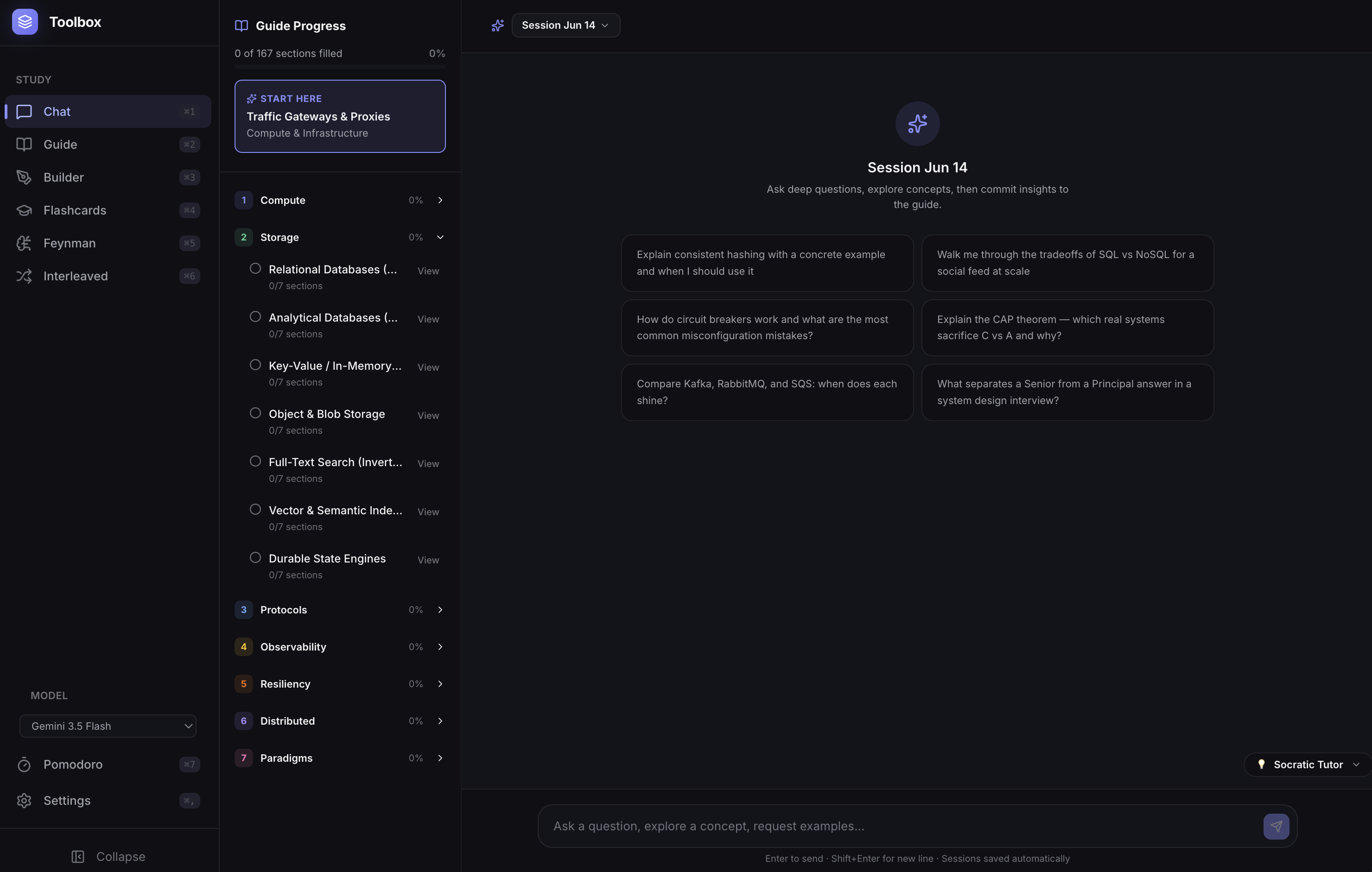
Toolbox is a self-hosted study workspace that keeps everything local. It wraps an interactive whiteboard builder, a persistent Pomodoro timer, structured guides, and flashcard decks into a single React and Node app backed by SQLite.
The whiteboard lets you drag and drop system components (like load balancers, CDN nodes, databases, and message queues) and connect them. When you're finished, you can trigger an AI review that looks over your sketch and highlights bottlenecks or single points of failure.
If you need to memorize a concept, you can study flashcards with spaced repetition or have the app auto-generate card decks directly from the guide.
How do I get this?
Prerequisites: Node.js 20+ (if running natively) or Docker.
Docker Compose (Recommended)
Clone the repo and copy the environment template:
1git clone https://github.com/arvarik/toolbox.git && cd toolbox2cp .env.example .env3# Open .env and add your GEMINI_API_KEY
Build and run:
1docker compose up -d
Open your browser and head to http://localhost:3100.
Native Setup
If you want to run it locally for development or to play with the code:
1npm install2npm run dev
This starts the Vite dev server for the React frontend on http://localhost:5173 (which proxies API requests) and the Express backend on http://localhost:3100.